
Hangzhou Gaoke Industry&trade Co., Ltd.
HOME >> Product >> Mobile Screen
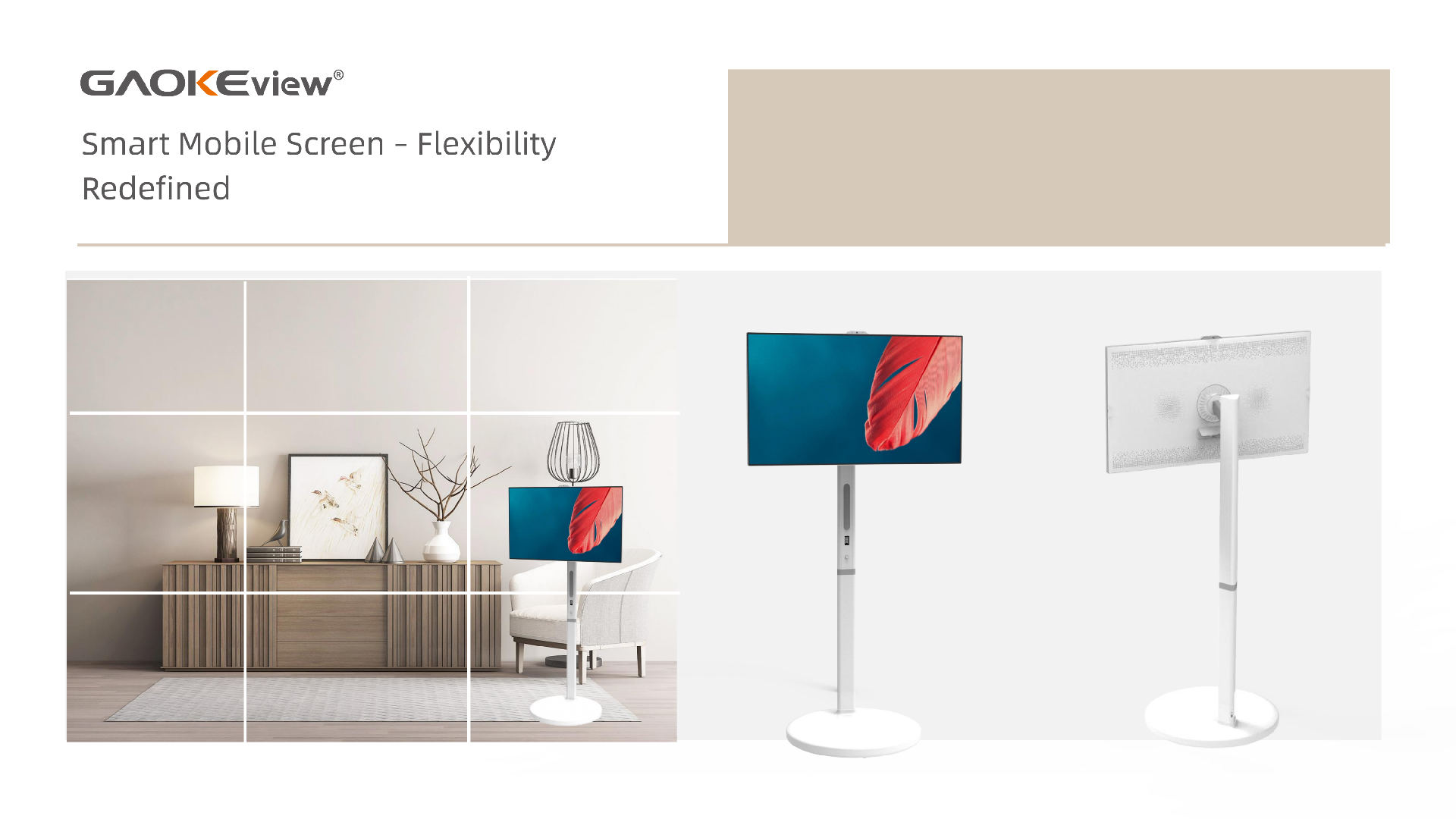
Main Features
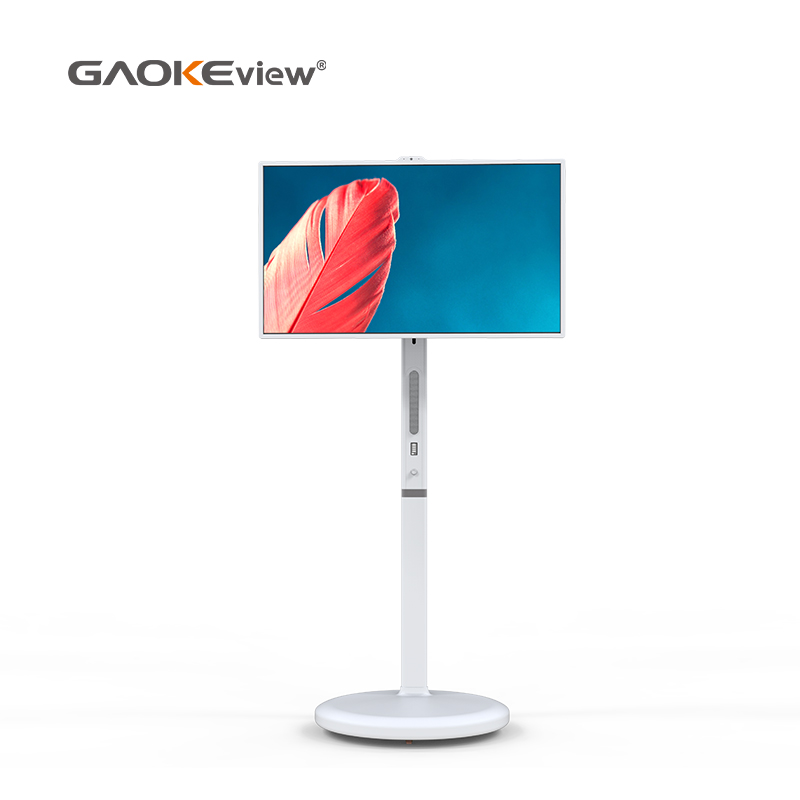
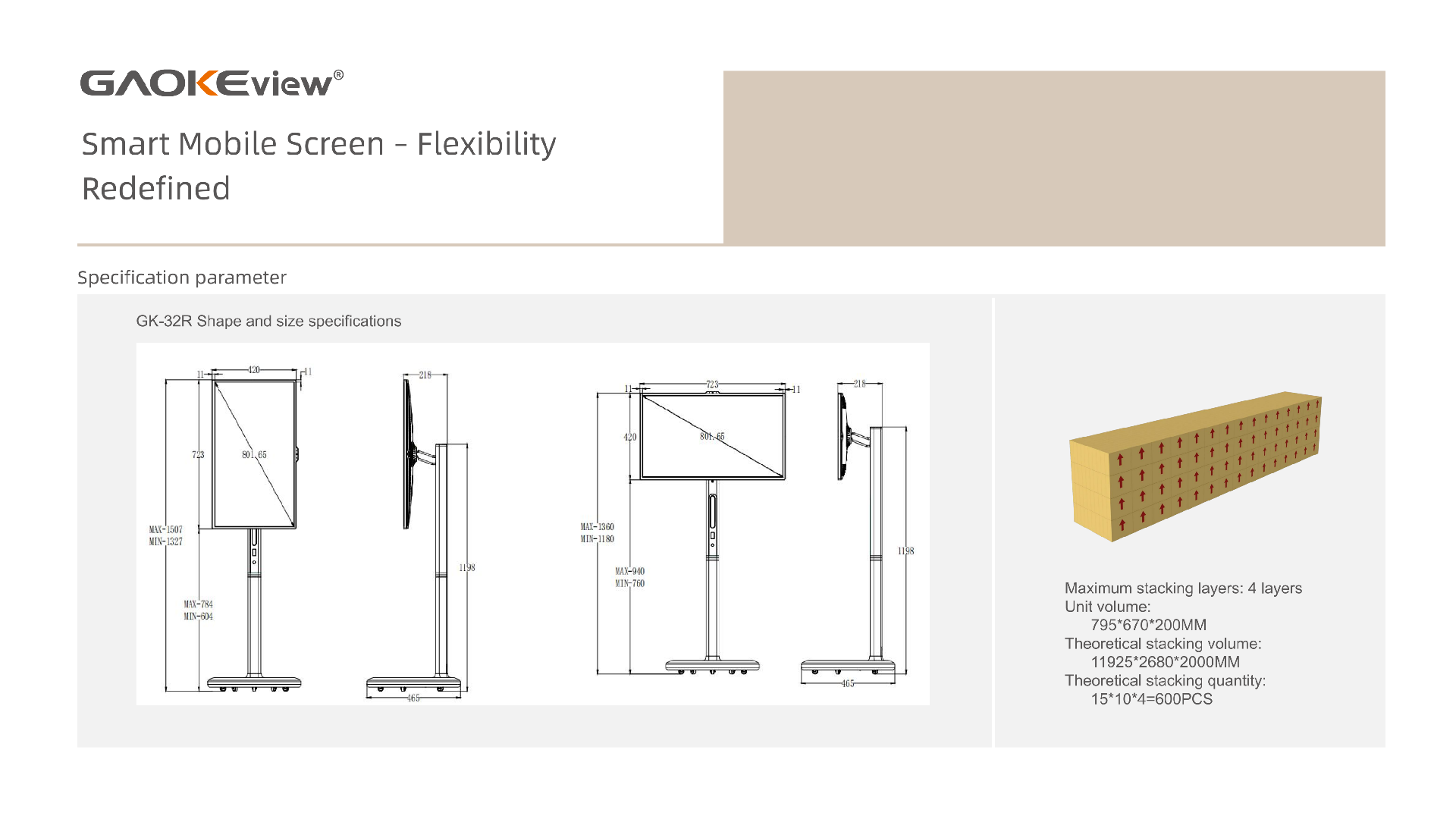
Pixel Pitch: 32 inch
Applications: Sports stage, events, indoor show, presentation, music concert, shcool, wedding, church, stage.
We support ODM/OEM customization and wholesale.
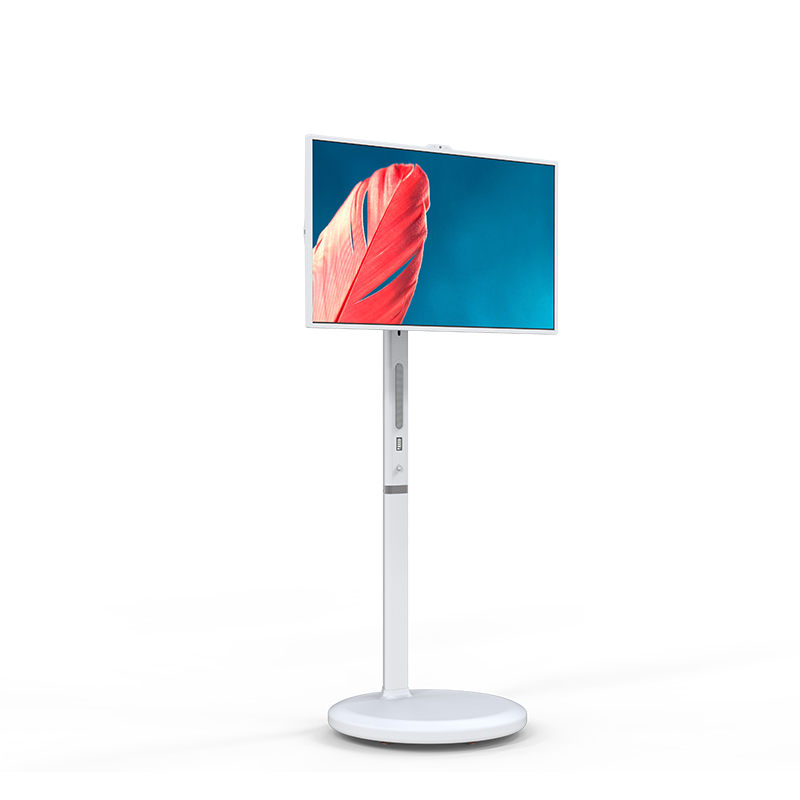
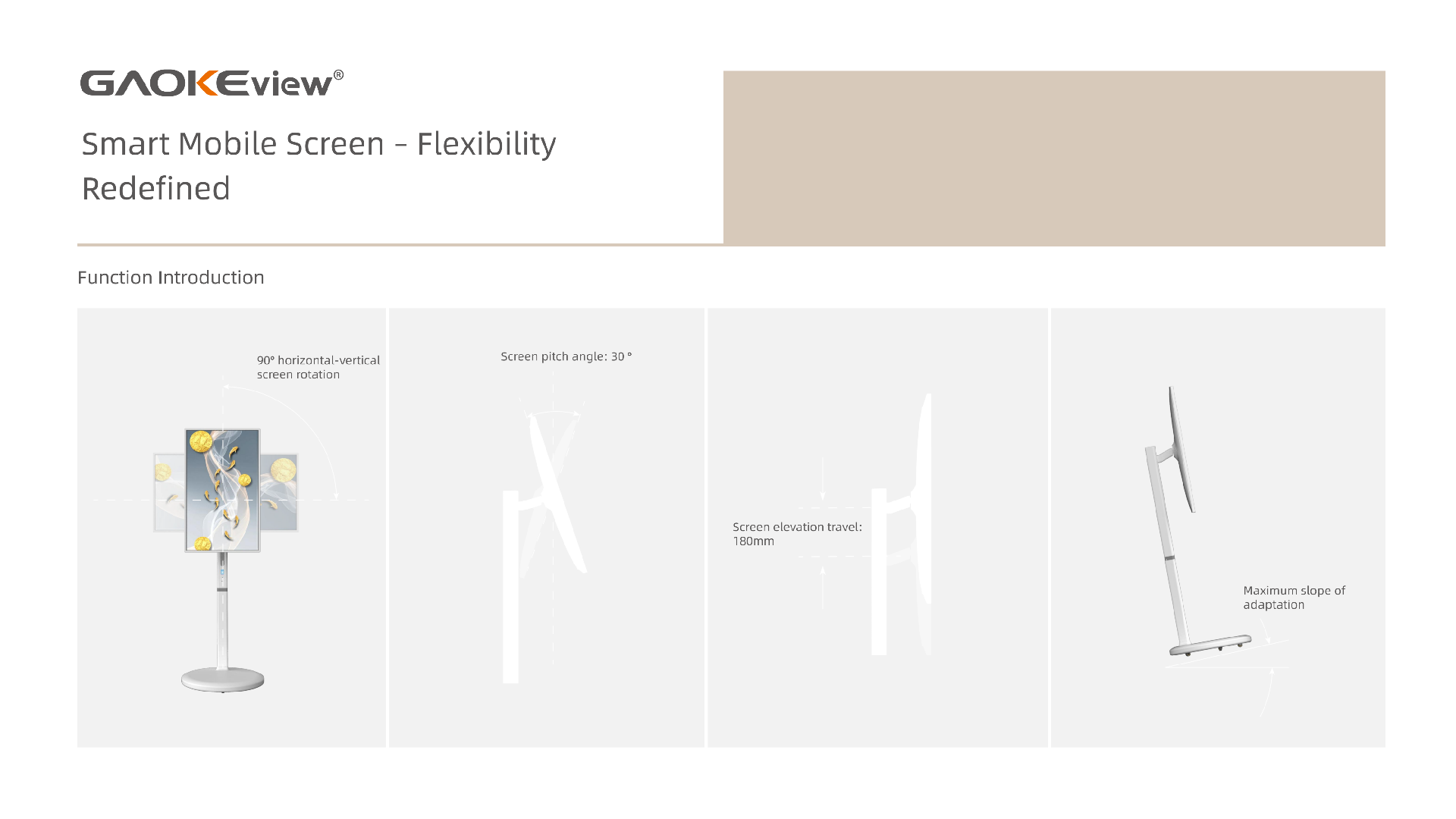
| Mobile stand |  | 90°horizontal-vertical screen rotation |
| Supports 30° tilt adjustment |  | Screen elevation travel: 180mm |
 | Maximum slope of adaptation |
| 64P*128P OLED battery level display |
Function Introduction
90° horizontal-vertical screen rotation | Screen pitch angle: 30 °
Screen elevation travel: 180mm | Maximum slope of adaptation
Product brief introduction
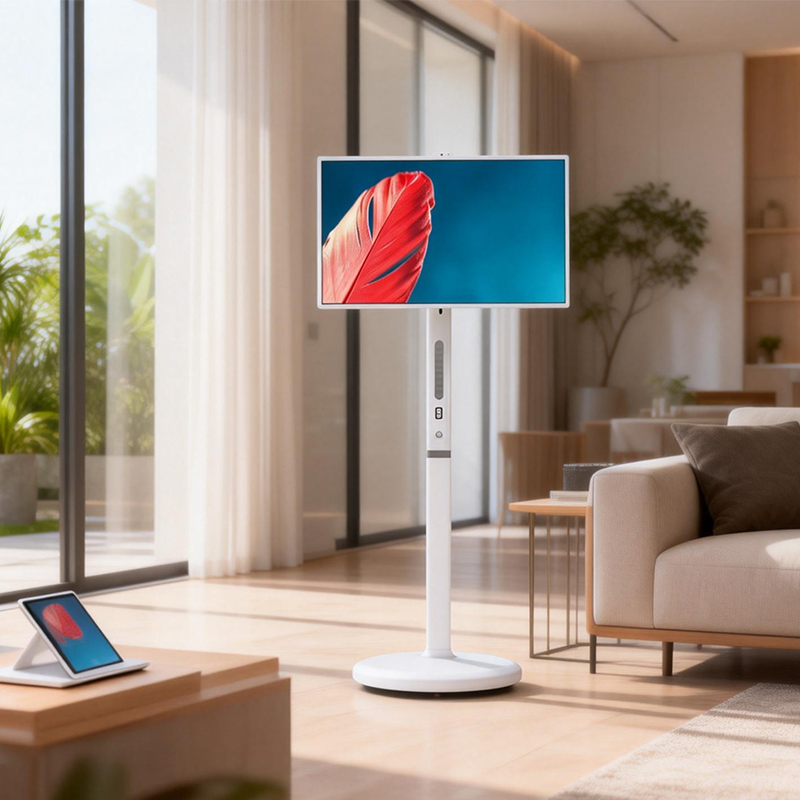
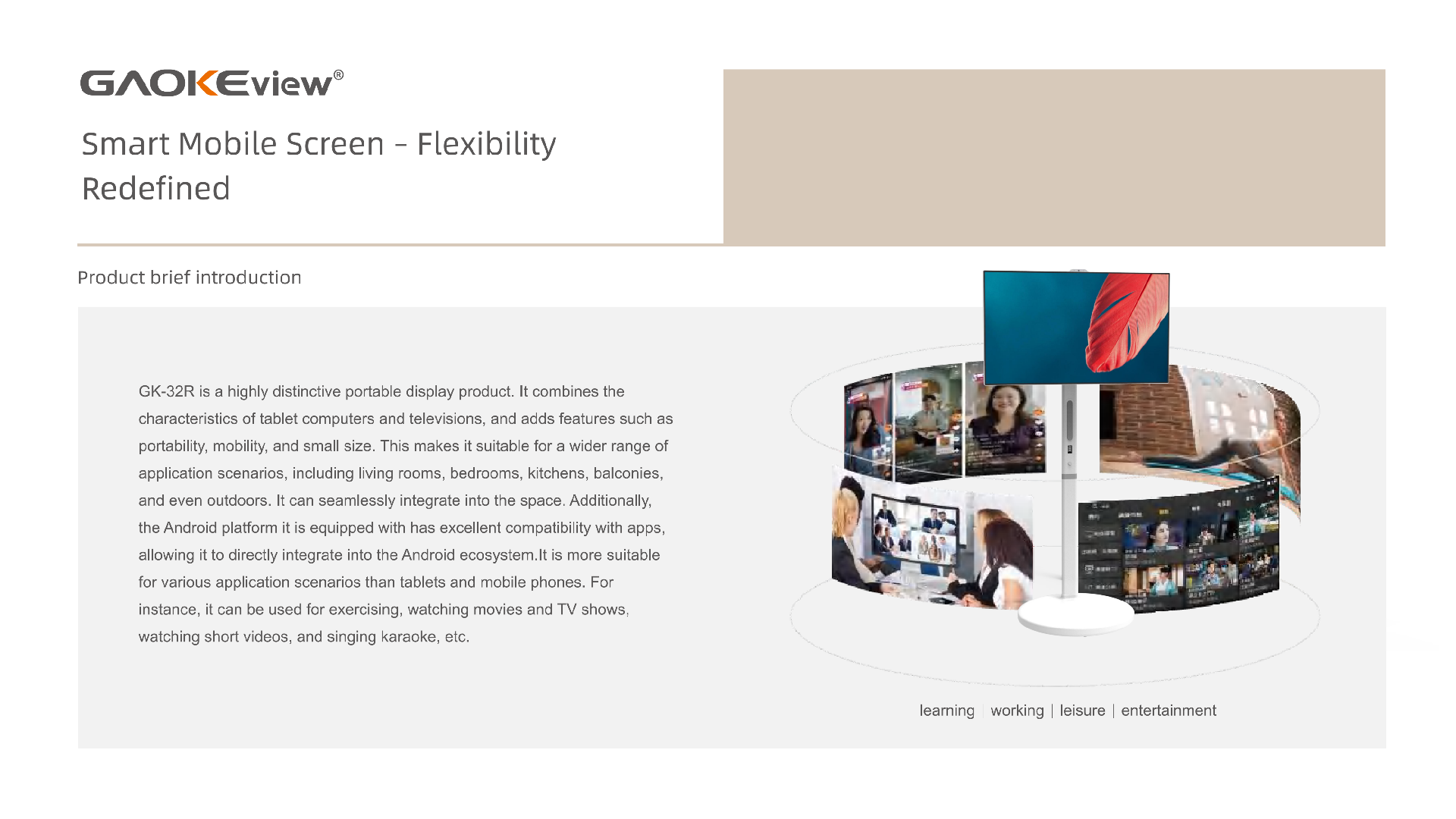
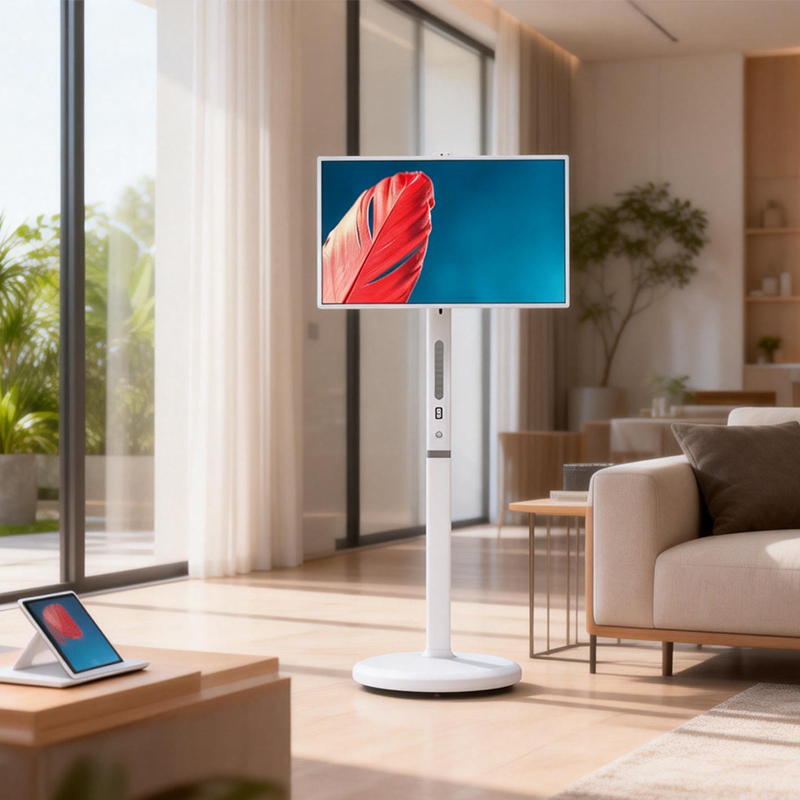
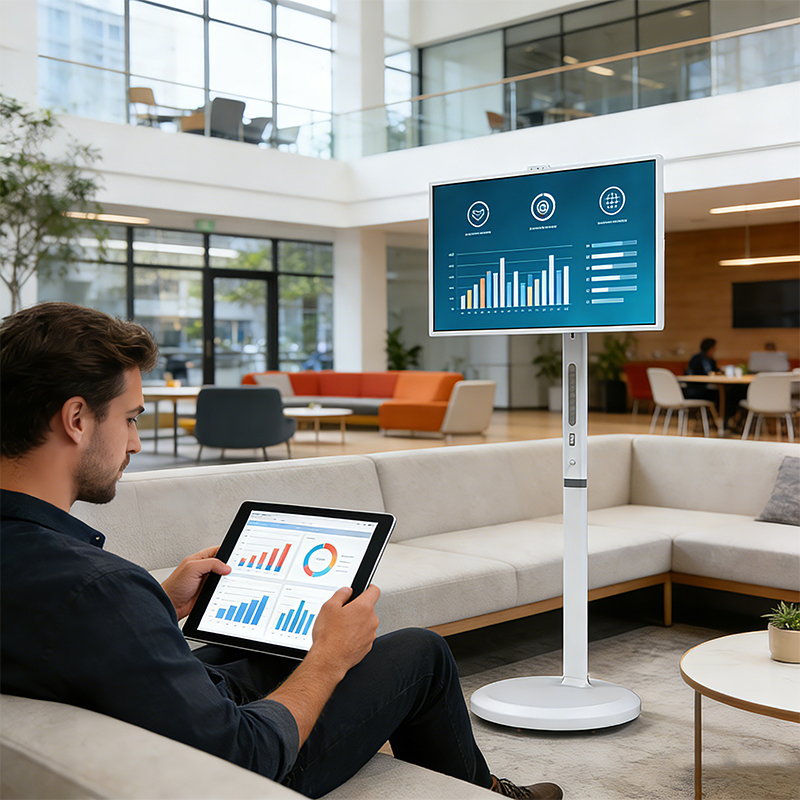
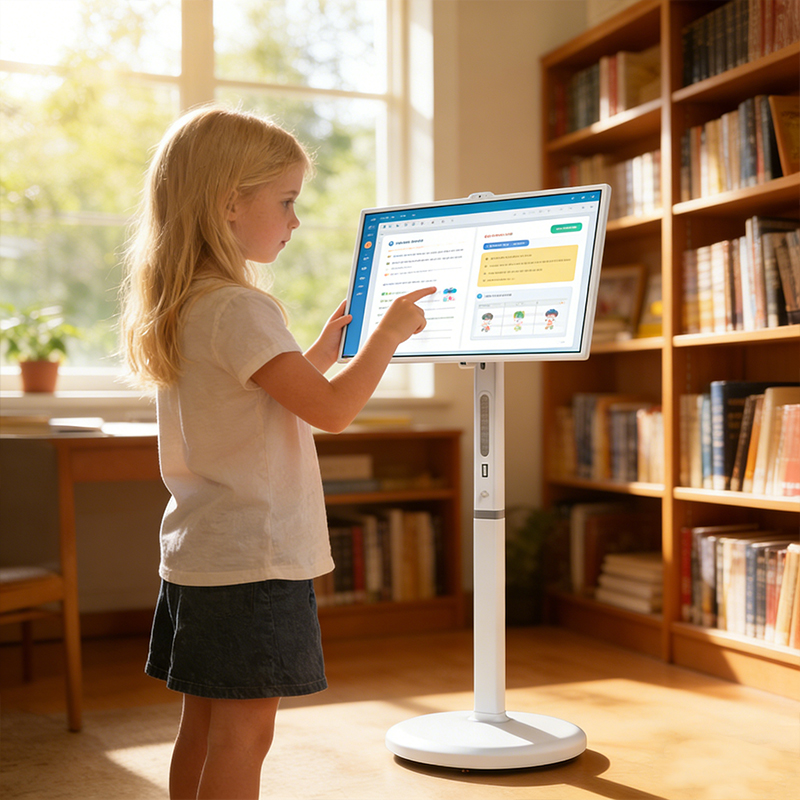
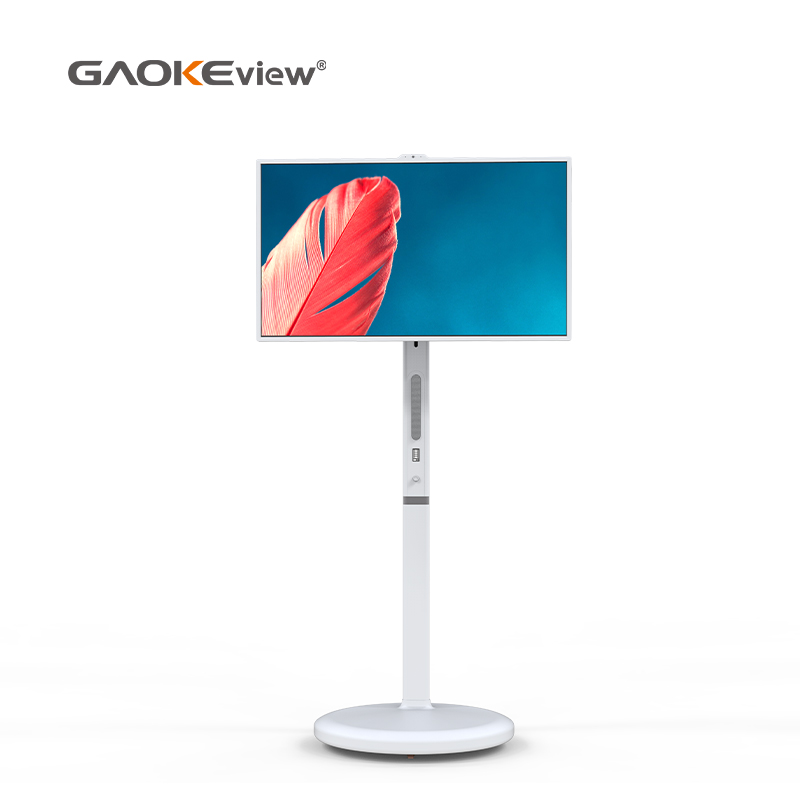
GK-32R is a highly distinctive portable display product. It combines the characteristics of tablet computers and televisions, and adds features such as portability, mobility, and small size. This makes it suitable for a wider range of application scenarios, including living rooms, bedrooms, kitchens, balconies, and even outdoors. It can seamlessly integrate into the space. Additionally, the Android platform it is equipped with has excellent compatibility with apps, allowing it to directly integrate into the Android ecosystem.It is more suitable for various application scenarios than tablets and mobile phones. For instance, it can be used for exercising, watching movies and TV shows, watching short videos, and singing karaoke, etc.
Function Introduction
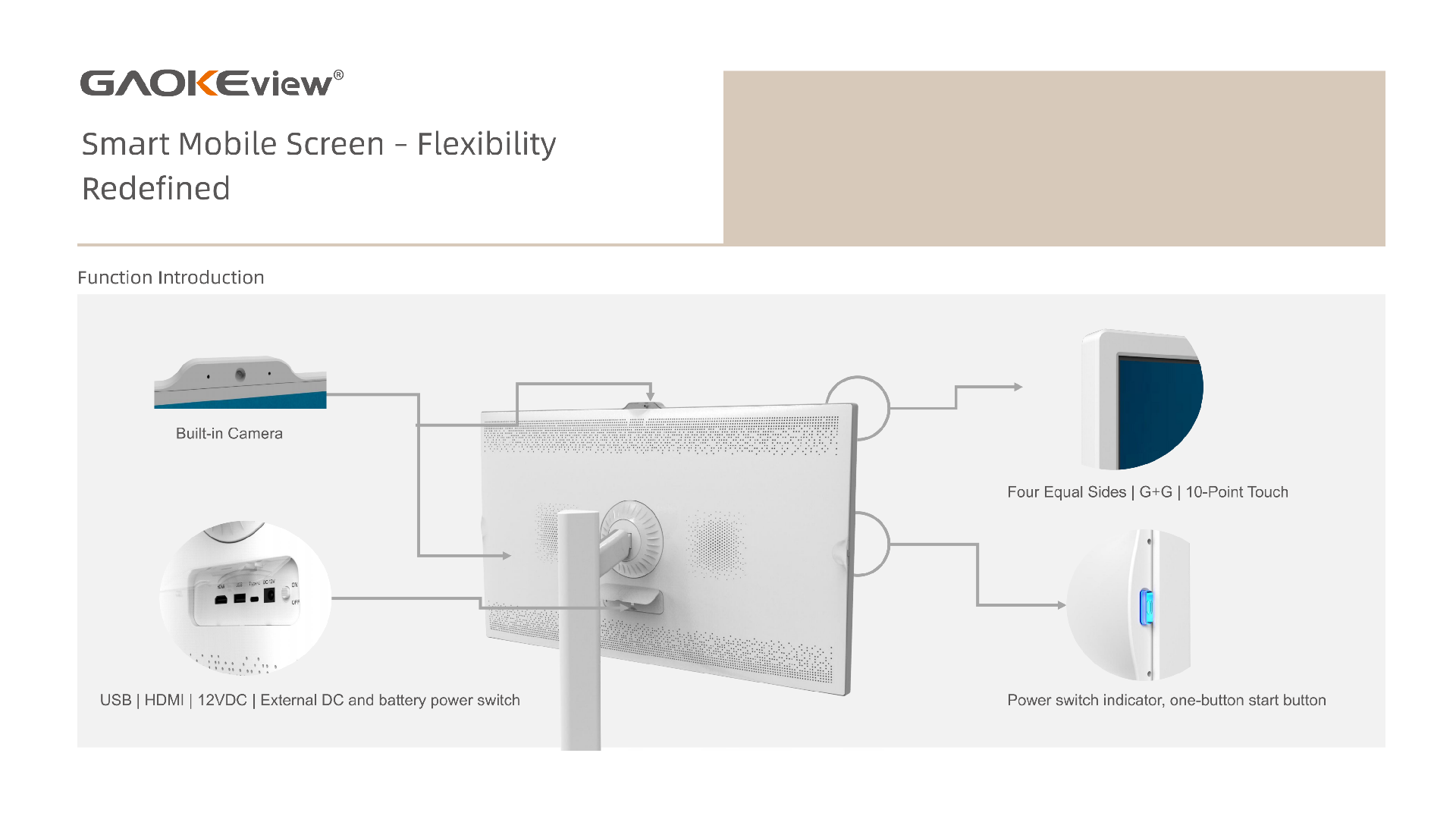
Built-in Camera | Four Equal Sides | G+G | 10-Point Touch
USB | HDMI | 12VDC | External DC and battery power switch | Power switch indicator, one-button start button
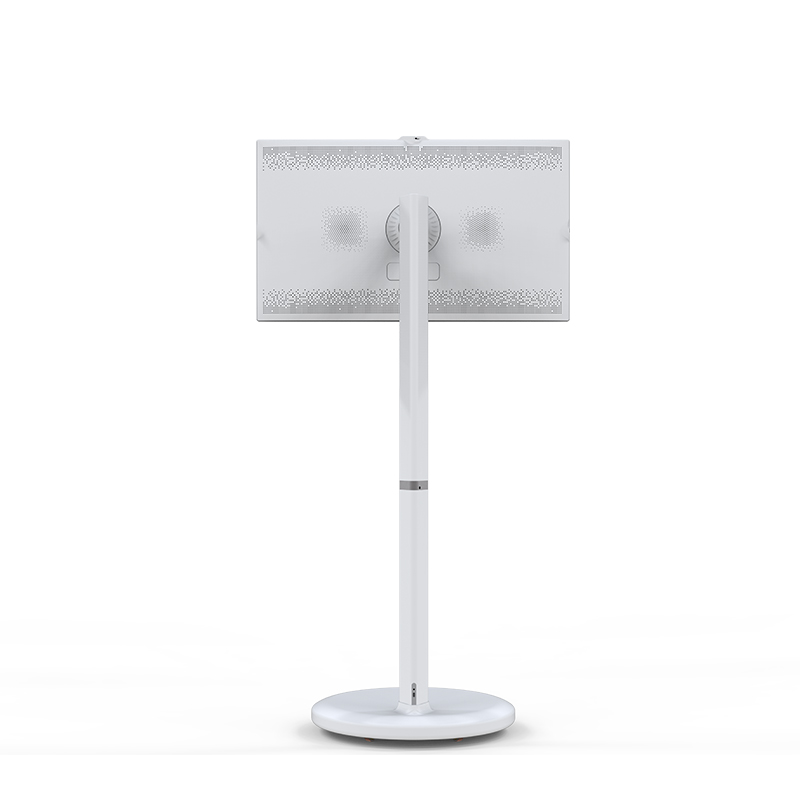
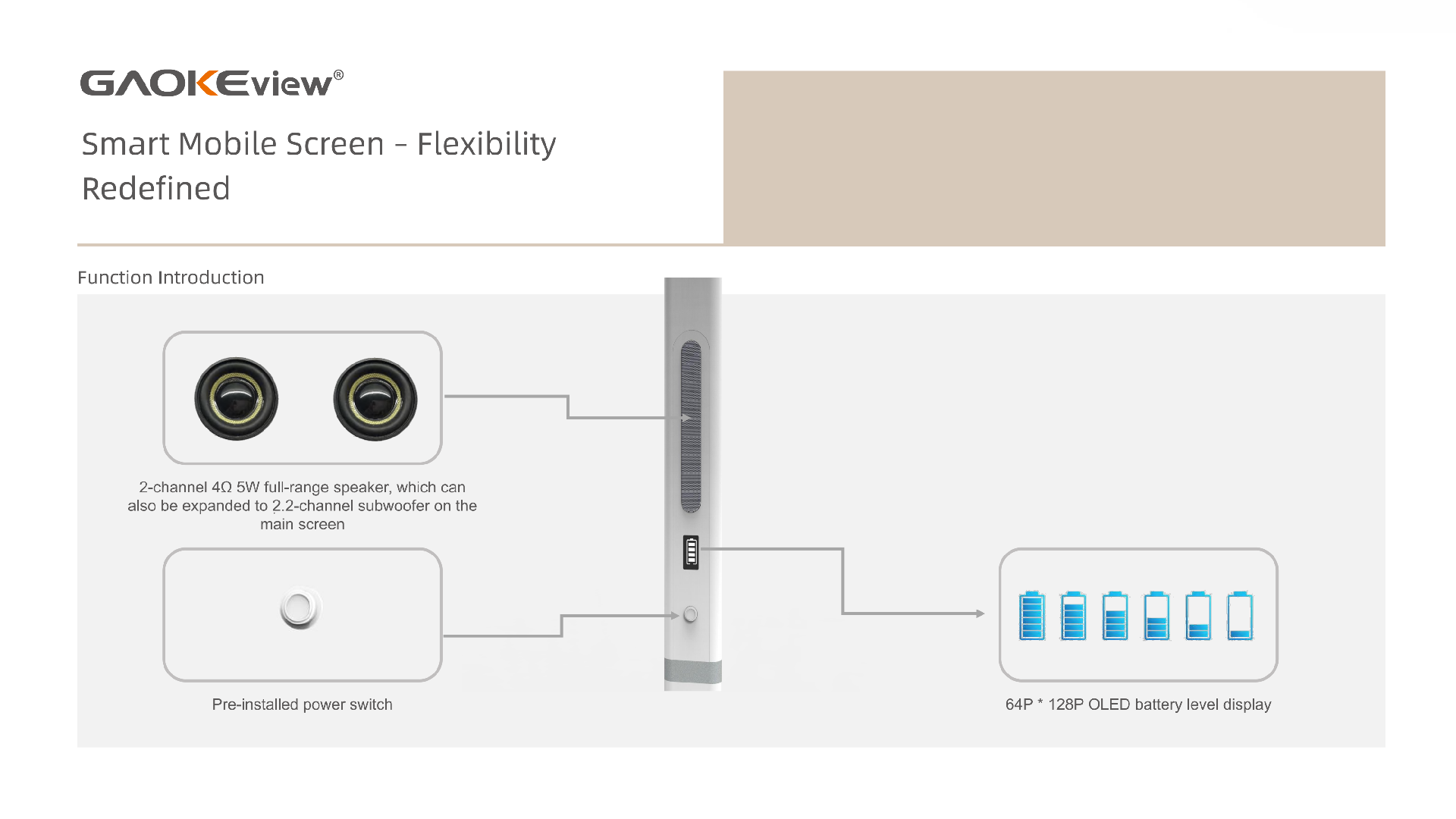
2-channel 4Ω 5W full-range speaker, which can also be expanded to 2.2-channel subwoofer on the main screen
64P * 128P OLED battery level display
Pre-installed power switch
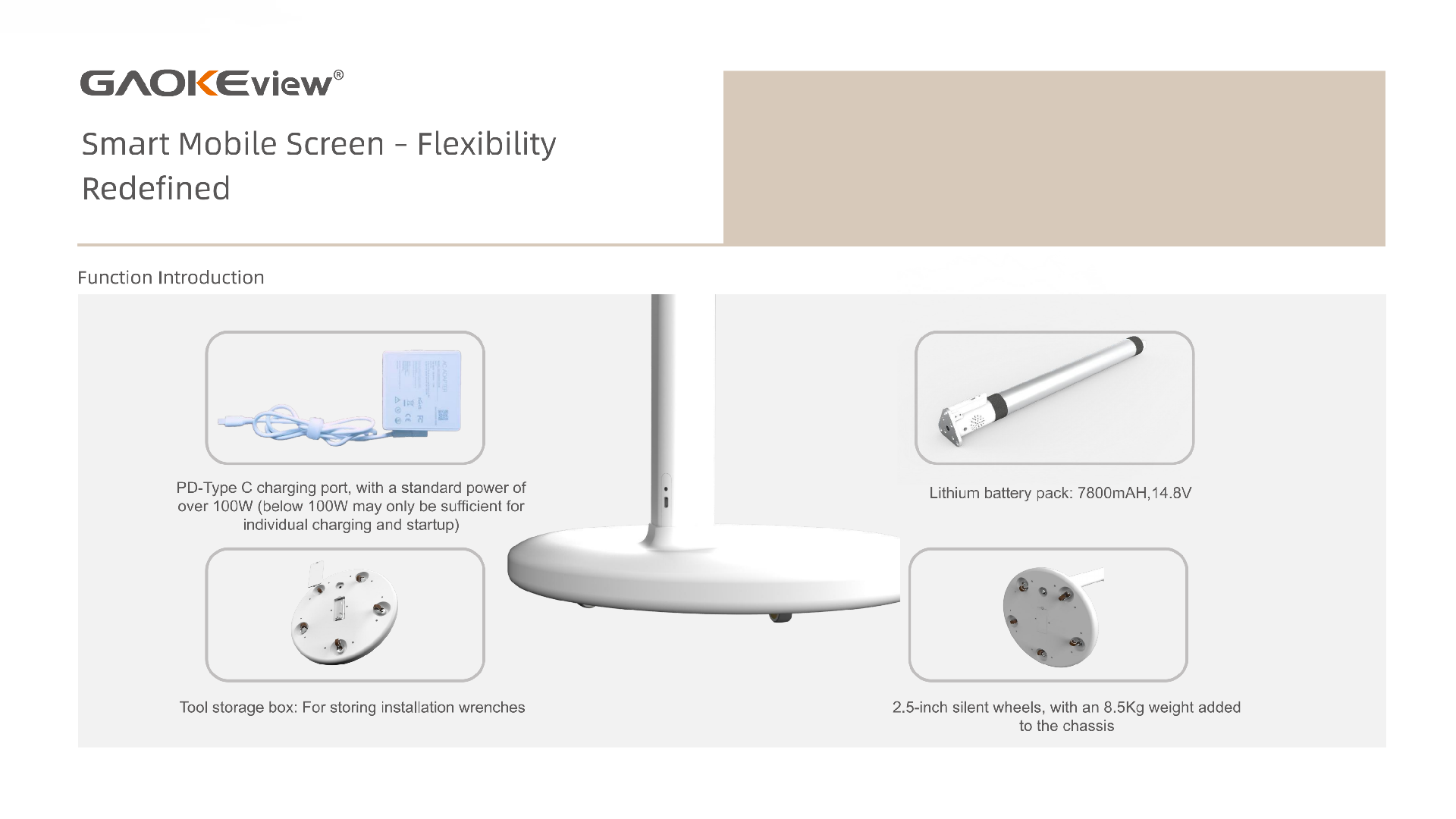
PD-Type C charging port, with a standard power of over 100W (below 100W may only be sufficient for individual charging and startup)
Lithium battery pack: 7800mAH,14.8V
Tool storage box: For storing installation wrenches
2.5-inch silent wheels, with an 8.5Kg weight added to the chassis
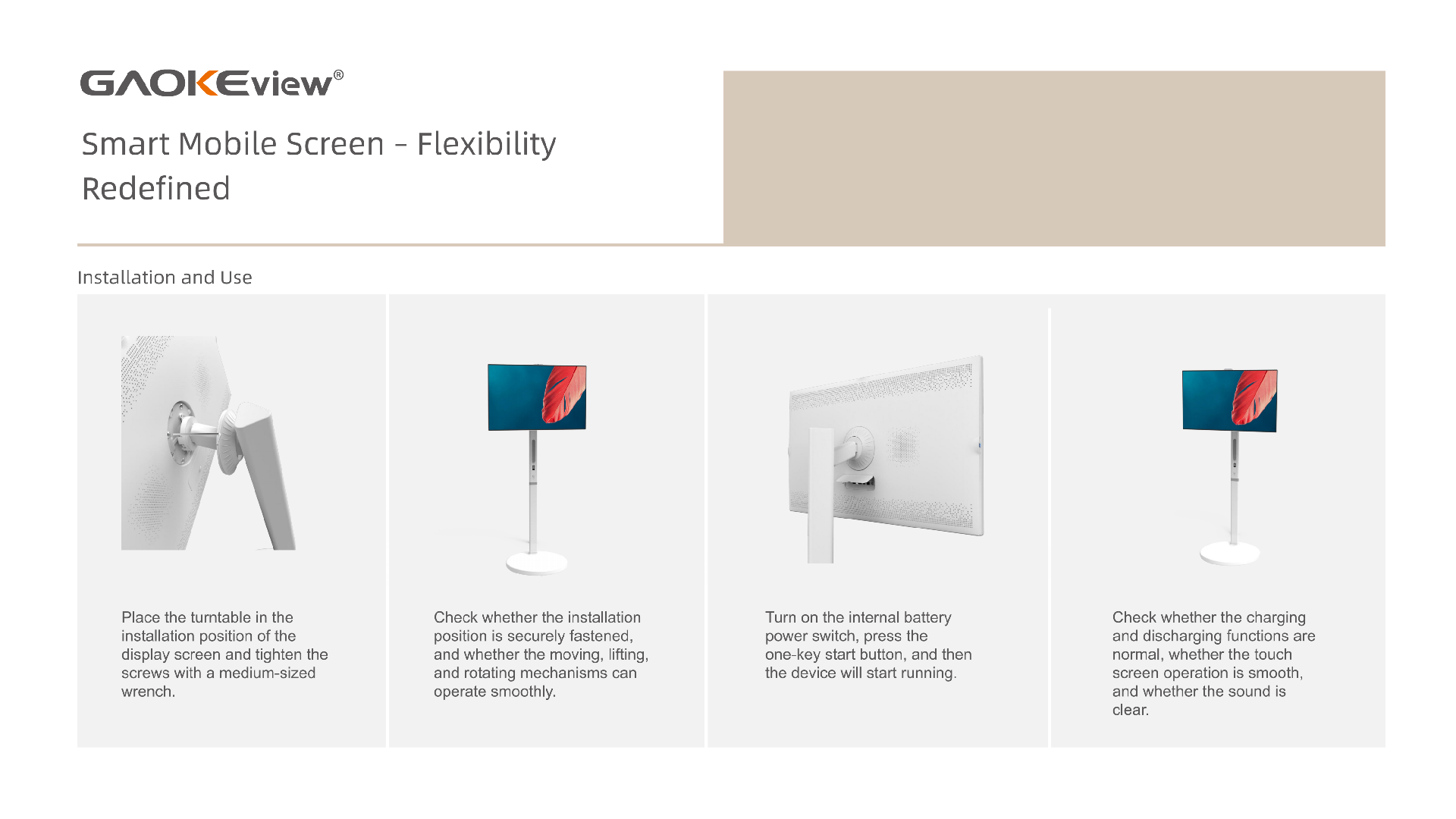
Installation and Use
Place the turntable in the installation position of the display screen and tighten the screws with a medium-sized wrench.
Check whether the installation position is securely fastened, and whether the moving, lifting, and rotating mechanisms can operate smoothly.
Turn on the internal battery power switch, press the one-key start button, and then the device will start running.
Check whether the charging and discharging functions are normal, whether the touch screen operation is smooth, and whether the sound is clear.
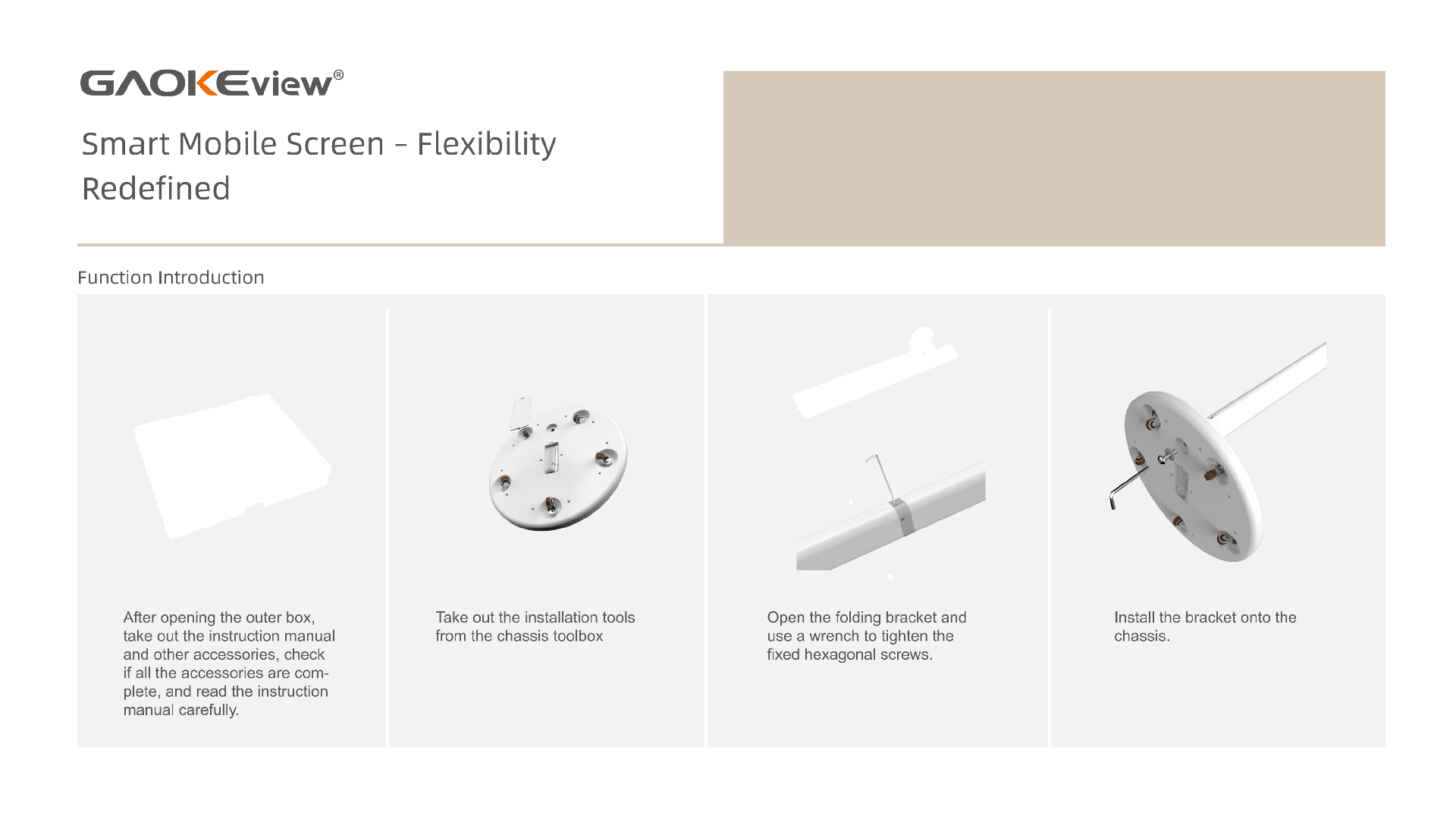
After opening the outer box, take out the instruction manual and other accessories, check if all the accessories are complete, and read the instruction manual carefully.
Take out the installation tools from the chassis toolbox
Open the folding bracket and use a wrench to tighten the fixed hexagonal screws.
Install the bracket onto the chassis.
Various Scene Applications
Related products

Hangzhou Gaoke Industry&trade Co., Ltd.


+8613706719639


A6 Cainiao Zhigu, Yuhang District, Hangzhou, Zhejiang, China




 中文
中文 English


 +86(571)89986945
 +8613706719639
 +8613706719639
 service@hz-gaoke.com
